PBL IMPLEMENTATION – NEXT STEPS IN STUDENT-DRIVEN LEARNING

Move from a strong PBL design to daily routines that put students in charge of the work.

Quick facts

Turquoise user silhouette with a checkmark badge on a light background

Format

Facilitated cohort plus self-paced modules

Teal clock icon on a light blue rounded square background

Time

25 hours total

Teal certificate icon with white lines and a ribbon seal

Certificate

Yes

Turquoise price tag icon with a white hole on a light background

Price

Teal suitcase icon on a light background

Agency by Design:

Teal suitcase icon on a light background

Agency by Design:

Teal suitcase icon on a light blue rounded square background

Agency by Design:

Why this VLC

You’ve designed a PBL task and rubric—now make the learning run on purpose. This VLC focuses on implementation: differentiated digital activity lists, facilitation grids and questions that keep thinking high, and four types of formative assessment to guide next steps. You’ll apply each move to your existing PBL unit so students can plan, start, stick, and finish with greater independence.

Turquoise briefcase icon on a light background

Agency by Design:

replace tasks with authentic problems and give learners real decisions to make.

Turquoise organization chart icon with one top node connected to two lower nodes

Structures First:

time, resources, choice, and feedback systems that transfer responsibility to the learner.

Who it is for

Teachers and instructional coaches ready to operationalize an existing PBL unit

Structures First:

School and district leaders building common routines for student-driven learning

Executive Function for All:

Teams seeking clearer progress monitoring and facilitation moves during PBL

Teal bookmark icon with a white ribbon on a light background

Evidence of Learning:

use student work to guide the next move, not just to record a grade.

Teal graduation cap icon on a light aqua square background

Human and Tech Together:

tools serve the design, not the other way around.

Professional Learning That Puts Learners in Charge

Great teaching is design. Our Professional Learning Experiences help teams create learner-active environments where people own the work, build executive function, and solve authentic problems.

What you will gain

Teal paper airplane icon on a white background

Replace tasks with purpose-driven problems

Teal paper airplane icon on a white background

Build structures for choice, time, and resources learners can manage

Teal paper airplane icon on a white background

Coach executive function skills that drive results

Teal navigation arrow icon pointing up and right on a white background

Use evidence of learning to adjust in real time

What you will be able to do

Teal check mark icon on a white background

Build differentiated digital activity lists  with required, choice, and optional extensions

Teal check mark icon on a white background

Develop facilitation grids  that align skills/concepts with when and how to support learners

Teal check mark icon on white background

Craft facilitation questions  that move students into higher-order thinking

Teal checkmark icon on a white background

Implement four types of formative assessment  to monitor progress and adjust instruction

Teal check mark icon on a white background

Design a transfer task  so learners apply understanding in a new real-world context

Teal check mark icon on white background

Streamline day-to-day management of your PBL unit with visible structures students can self-navigate

Syllabus snapshot

  • DIFFERENTIATE WITH DIGITAL ACTIVITY LISTS

    Six people on a park bench, discussing while using laptops and tablets in the sunlight.

    Takeaway: Design required items for access, multiple-choice pathways for learning, and optional extensions for advanced learners—built from a scaffold for learning.

  • BUILD FACILITATION GRIDS

    Group of people working on laptops around a table with holographic icons floating above them.

    Takeaway: Lay out target skills/concepts and plan how you will assess and coach while students work.

  • ASK BETTER QUESTIONS

    Group of six people outdoors, conversing, holding papers and tablets near a tree and building.

    Takeaway: Write facilitation questions that nudge students into analysis, synthesis, evaluation, and transfer.

  • USE FOUR TYPES OF FORMATIVE ASSESSMENT

    Laptop on desk with icons, beside a potted plant, near a window with sunlight.

    Takeaway: Clarify when and how to deploy quick checks that inform feedback, grouping, and next steps during PBL.

  • DESIGN THE TRANSFER TASK

    Person sitting at picnic table in forest, using laptop. Sunlight shines through trees.

    Takeaway: Create a performance task that requires learners to apply (“transfer”) understanding in a new, authentic context.

  • PUT IT ALL TOGETHER

    Group of people with tablets, outdoors, surrounded by digital icons, discussing something.

    Takeaway: Assemble your implementation package for immediate use with your previously created PBL task and rubric.

Course materials and access

Prerequisite note: You will apply course content to a previously created PBL task and rubric.

Included access: MyQPortal  access is included for all participants while enrolled in the VLC. 

Evidence and impact

The transfer task revealed deeper understanding—we saw students carry ideas into new problems.
Man in glasses and blue shirt, hands clasped, stands in front of a white background.
Our activity lists and facilitation grids made independent work time productive and predictable.
The transfer task revealed deeper understanding—we saw students carry ideas into new problems.
Our activity lists and facilitation grids made independent work time productive and predictable.
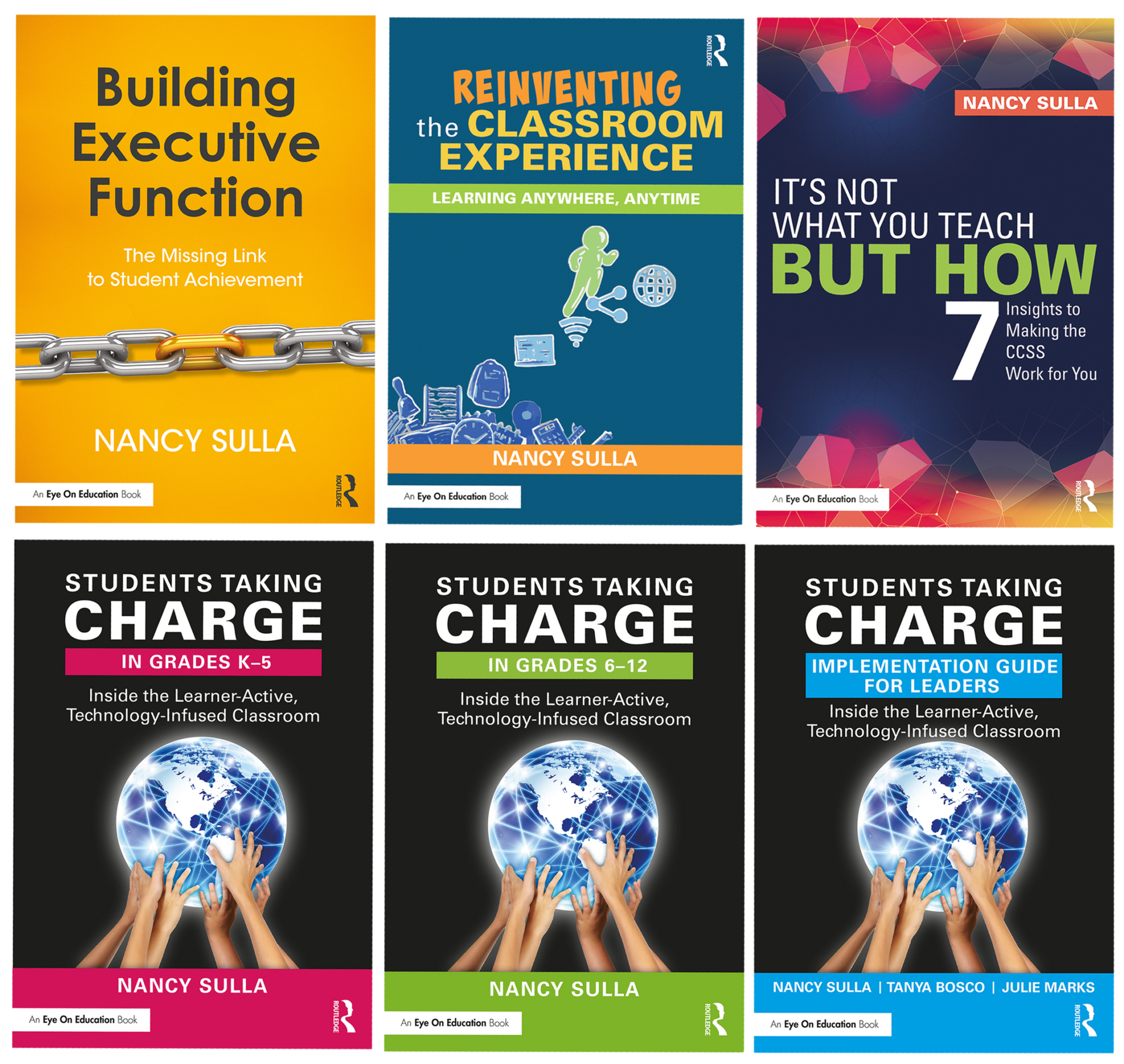
Six colorful book covers by Nancy Sulla about classroom instruction and student taking charge

Related Resources

FAQs

  • HOW MUCH TIME WILL I NEED

    Laptop with lightbulb and chat bubble graphics, set against window and trees.

    Plan for 25 hours total including self-paced work and scheduled sessions.

  • CAN OUR TEAM ENROLL TOGETHER

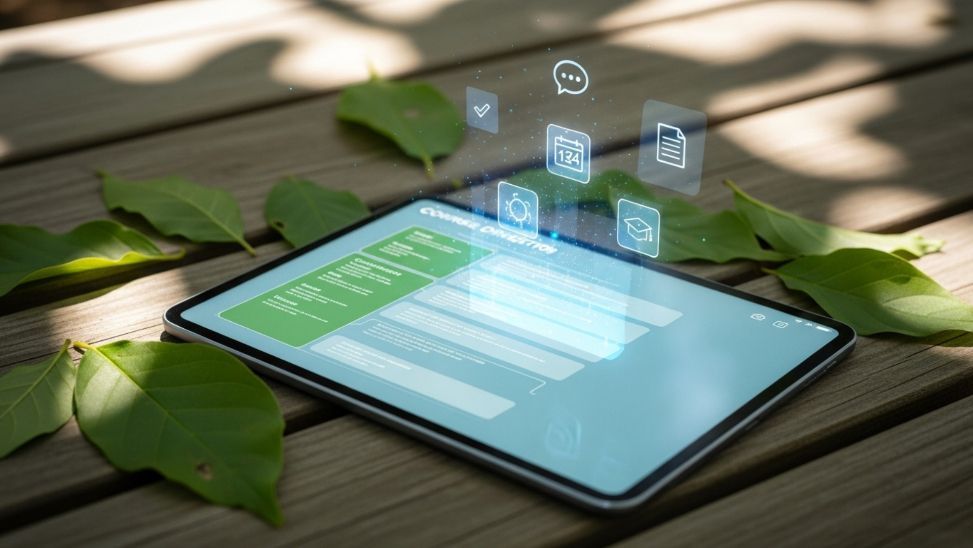
    Tablet with glowing icons and form displayed, surrounded by leaves on wooden surface.

    Yes. Seat bundles are available. Price:

    VLC PRICE LINE
  • DO I GET A CERTIFICATE

    Person using a tablet outdoors with floating app icons, autumn foliage background.

    Yes. You will receive a certificate noting contact hours and outcomes.

  • DO I NEED A PBL UNIT READY TO GO

    Person typing on a laptop with two succulent plants nearby.

    Yes. You’ll bring a previously created PBL task and rubric to implement and refine.

  • WILL THIS ALIGN TO OUR STANDARDS AND PACING

    Laptop with floating icons of ideas, books, and speech bubbles near a window.

    Yes. You will build lists, grids, and assessments aligned to your standards, timeline, and learners.

  • DO I NEED THE BOOK

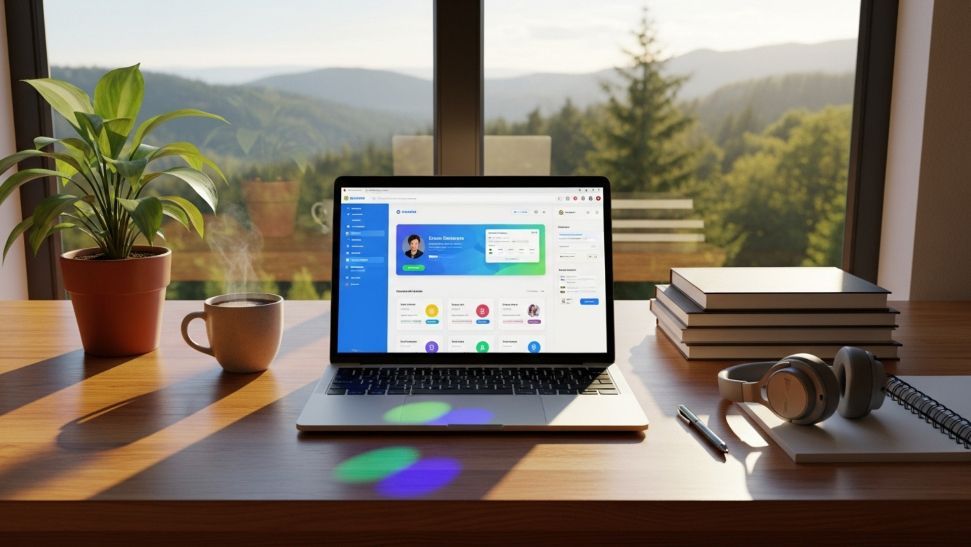
    Laptop on wooden desk displaying a dashboard, with coffee, plant, and a scenic mountain view.

    Yes. Students Taking Charge is a required resource for this VLC.

Ready to Make PBL Run on Purpose

PO accepted. Seat bundles available.